
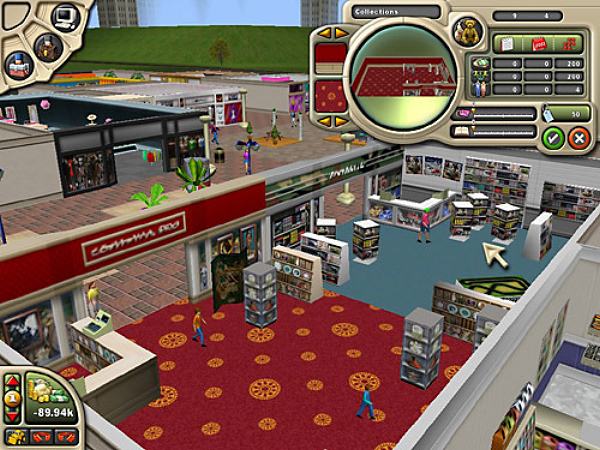
Take all you have learned about building and managing from games like Theme Park, Theme Hospital and Sim City. Now imagine your favorite mall. Could you have built and managed it if the chance came along? Now you can.
Mall Tycoon 2 is the improved version of Mall Tycoon, and includes many more options other than the ones presented in the original game.
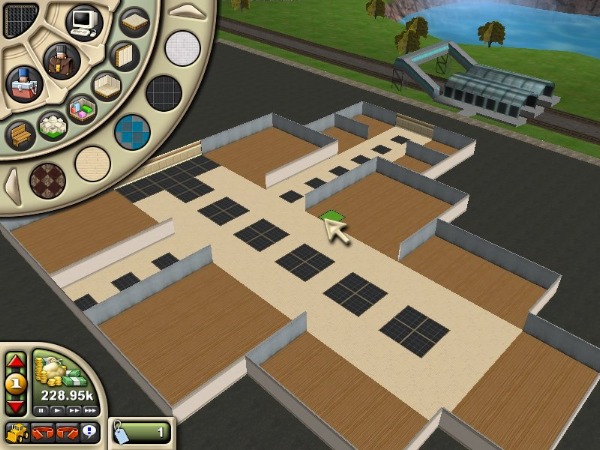
You are given a large area where you can build a mall to your own image very easily. First, lay down the floor, then build some walls and last but not least, place some shop units inside. You can only build a shop inside a unit, and you can play around with different unit sizes to create a little shop or a large store.
There are many shop categories available: food, household, entertainment, clothing, electronics, health and beauty, sports and services. Each of the categories has many specific shop types to choose from. Within the clothing shops you can choose men, women, teens or children clothing and even shoes. Food shops including a coffee shop, pizza place and hamburger joint. Household offers you appliances, furniture and tools.
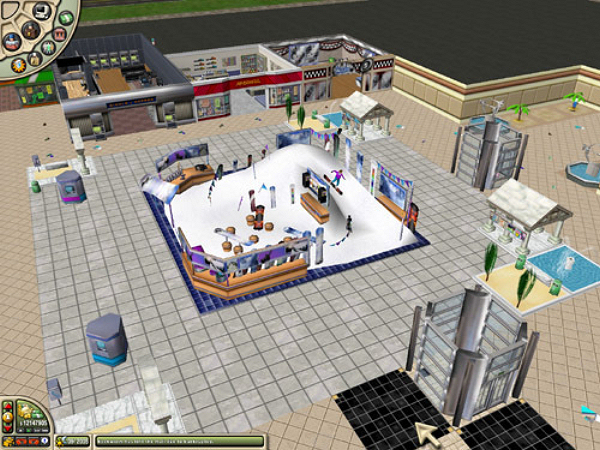
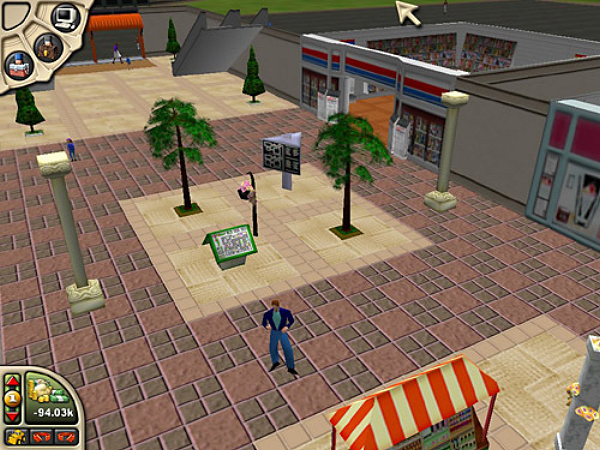
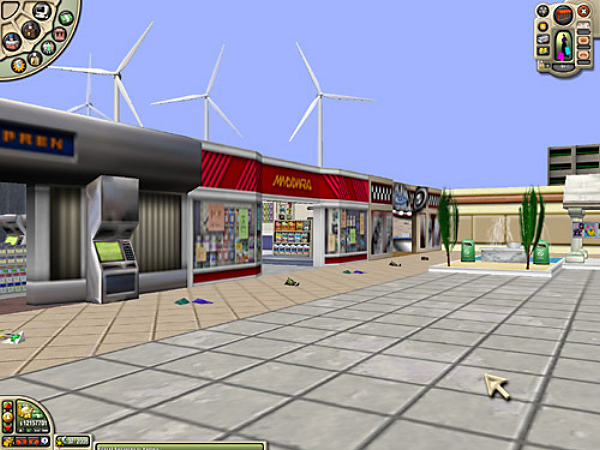
Clicking on a shop will bring up a menu which lets you see how the shop is doing, set the rent, sales cut and even customize the floor and wallpaper.
When placing the entrances to the mall, consider where your visitors will be coming from. Take a look around the map, and locate the train and bus stations, the car park and the walkway, then place your mall entrances accordingly.
You can build vertically too, and add up to 9 stories to your mall, but keep in mind the access and use plenty of stairs, escalators and elevators.
Staff and certain facilities need to be researched. Each staff member you research will unlock other functions and items, such as landscaping, advertisement, movie theatres, customer service, child care and special promotions. Researching will decrease your funds down pretty quickly though.
Aside from the staff submenu, the management menu lets you access all the financial information (profit, expenses, loan payments, staff wages, object repair costs, etc.), shopper information (gender, age, money spent) and the promotions panel (advertise your mall with billboards, flyers, newspaper and TV ads).
Clicking on an existing staff member will show the number of tasks they have done, wages, how long they have been employed, plus the relocate and fire options. You can even hop on first person view and see through your staff’s eyes.
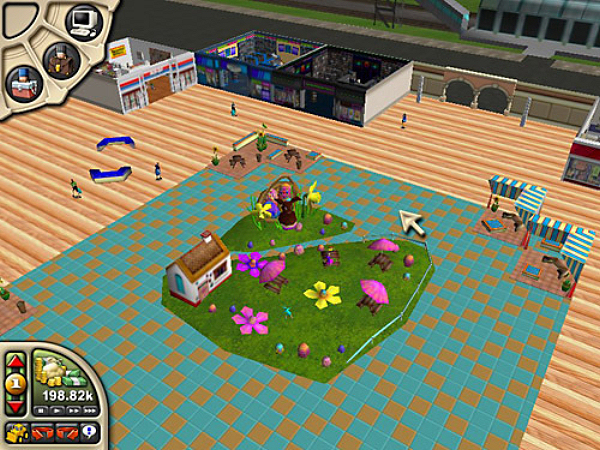
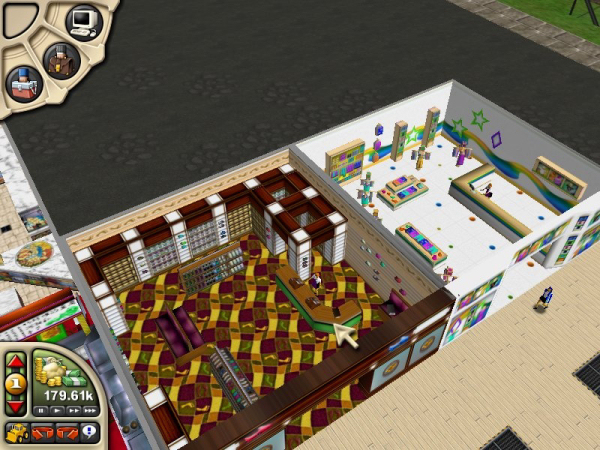
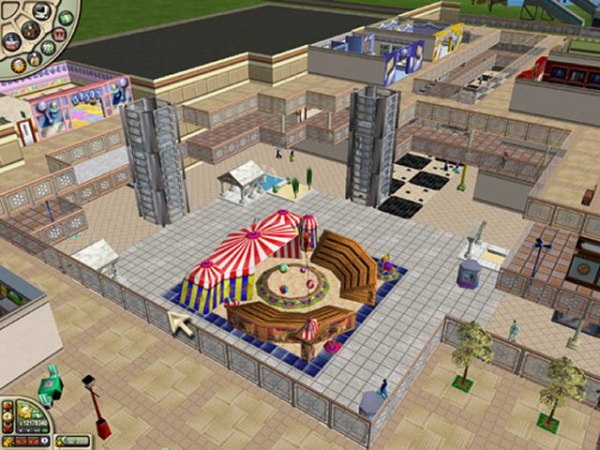
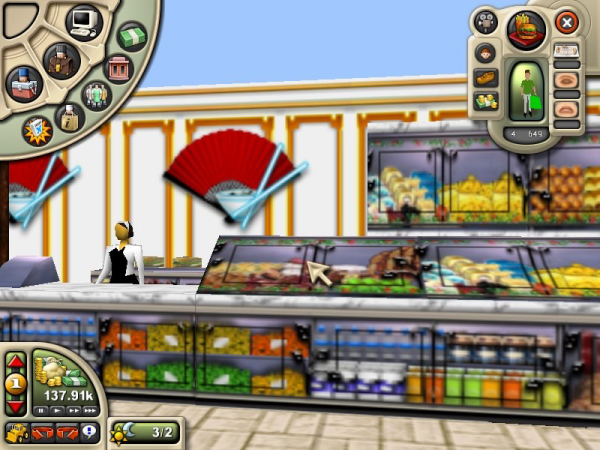
The same applies to shoppers, clicking on one brings up the shopper information menu, which shows what shop they’re planning to go in next, gender, age, wealth, how they arrived at the mall, hunger, boredom and happiness meters, number of purchases and the first-person mode. I’ve found out, while doing first-person exploration, that shoppers are very confused people: they stop and turn for no apparent reason and apparently they enjoy bumping against walls and doorways.
Mall Tycoon 2 is a fun game, and it’s not easy either. Keeping a good income is not an easy task while all the shops are going bankrupt and the number of visitors is low. You might want to create an area of enclosed cheap shops at the start of the game, so no one can access them, raise the rent to a maximum and just fast forward until they leave from bankruptcy. Wash, rinse, repeat, and you should raise your funds enough to start building your mall properly and not worry about loosing money.
I do have fun playing it, but I am a micro-management freak and love this type of games. The only downside is that the game is pretty buggy. Clicking on the outside of the designated area for construction would make me crash, and sometimes after leaving first-person view the game wouldn’t recognize the entire screen, and the cursor wouldn’t reach the far left side of the screen or menu bars. But I found it in the bargain bin for $9.99 at our local Blockbuster store and just couldn’t resist it.
Minimum System Requirements:
Pentium II 500 Mhz or higher Windows 98 / Me / 2000 / XP 128MB RAM
8X CDROM drive
350 MB free hard drive space DirectX 8.1 or higher
16 MB DirectX 8.1 video card
Direct X compatible sound card
Keyboard and mouse
Windows Media Player 9