
Reviewed by Michelle Thurlow
I can remember as a young child continually being attracted to and intensely curious about musical instruments of various sorts: pianos, trumpets, drums – whatever noise emitting apparatus that was within my reach. I recall pounding randomly on piano keys, delighting in the cacophony that I created, only to be yanked off the stool and told that perhaps “one of these days” I would get proper private lessons when I was older.
Even so, anyone who has ever had classical piano training can appreciate that learning the language of musical notation is an immensely rewarding yet painstaking process. I harbor no envy for weary piano instructors who must teach the fundamental concepts of bass and treble clefs to squirmy seven year-olds like I was at one time.
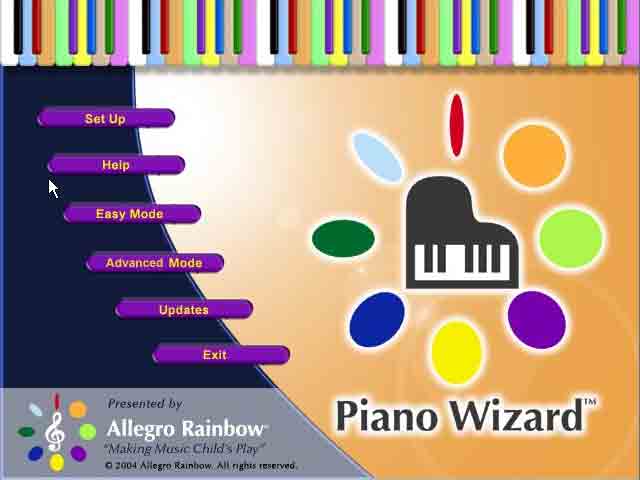
Enter software developer Allegro Rainbow who boasts that with the aid of its latest PC title Piano Wizard, “four year-olds are playing Beethoven and loving it.” How it works is that an electric piano keyboard is hooked up to a PC and is utilized as a controller for the Piano Wizard rhythm action game.
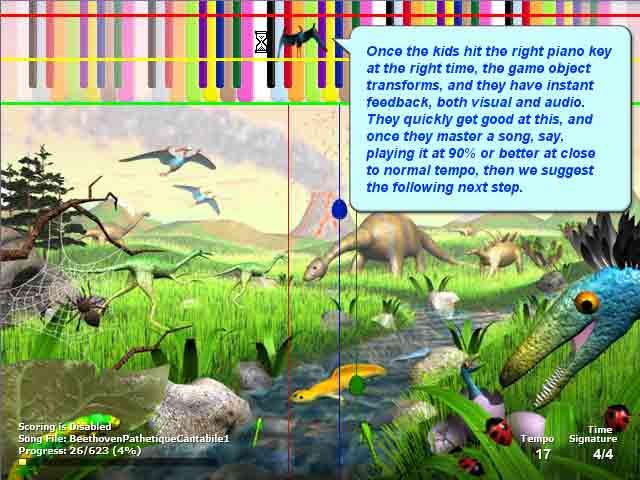
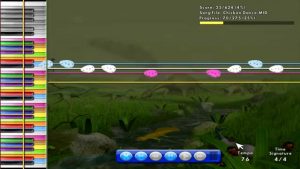
Like most music games, Wizard directs the player to hit the correct keys at the appropriate time as multiple note icons pass through the target reticule at the top of the screen. Stickers included with the bundle can be placed on the piano keys and correspond to the colorful virtual keyboard in the game’s heads-up display.
Selecting the Easy Mode option is the perfect way to familiarize yourself with the interface of Piano Wizard; it is here where you will have access to simple melody patterns that you can play hands separately or together. Note to parents: Allegro Rainbow developers suggest that you help your children pick songs appropriate for their skill levels, as certain tracks are much faster and more challenging than others. Additionally, selecting the “hands together” alternative skyrockets the degree of difficulty of the tune even for seasoned pianists, so you may want to take on the left hand portion of the song and allow your child to carry the melody with his or her right hand.
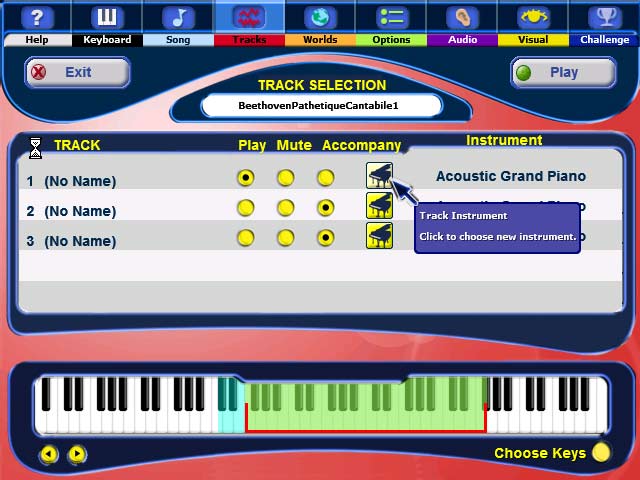
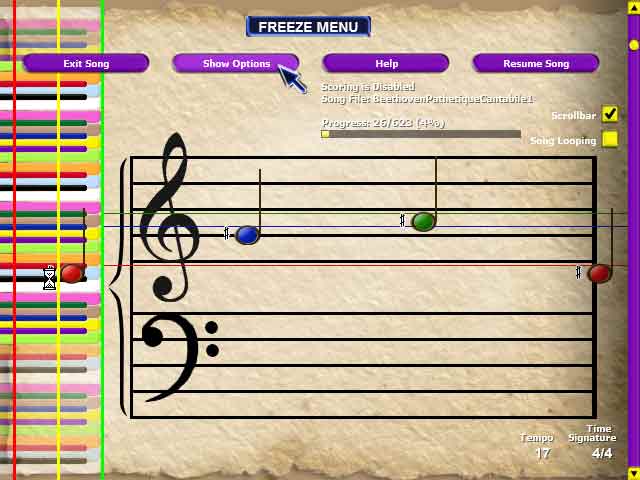
When you feel ready, you’ll eventually want to access Advanced Mode, which offers players many more options regarding the customization of your piano practicing experience. Here, you’ll be able to alter the distance between note icons as they appear on the screen, as well as highlight a particularly tricky portion of the song to rehearse on a loop. Moreover, Advanced Mode allows gamers to choose which instrument they want their keyboard playing to sound like: one hundred and twenty-eight virtual instruments are available to the pianist in total.
In a pleasantly surprising twist, the musical repertory of the game is actually as varied as you want it to be. Indeed, Piano Wizard comes preloaded with dozens of touching and lovely hymns, elegant classical pieces and effervescent children’s ditties. But more importantly, the fully-functional piano keyboard is enabled with MIDI technology, meaning that you can download effectively any MIDI music file off the internet and import it into the software to be played in the game!
As my final verdict on the quality of this title, let me just say that I can’t imagine a child waking up on Christmas morning, looking under the tree to find a beautifully wrapped three foot-long Piano Wizard box, and being disappointed. Permit me to sound like a circus ringmaster when I say that this game is great for “ladies and gentlemen, children of all ages.” I can only hope that Piano Wizard sets the standard for a new breed of clever and educational rhythm action offerings in the months and years to come.
 Special thanks to Brian Metcalf at Max Borges Marketing and Allegro Rainbow for providing a copy of this title.
Minimum System Requirements:
- Windows 98 / ME / 2000 / XP
- 100 Mb of Free Hard Drive Space
- MIDI cable, MIDI keyboard and appropriate system drivers
- Internet Access to update game and download MIDI songs