
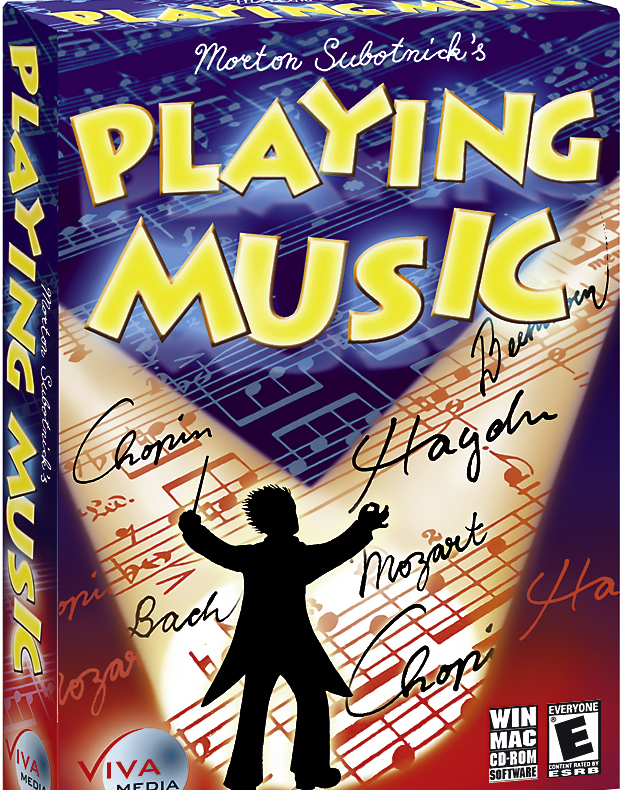
I was never very good at music. I tried learning it, but I found it too complicated to read the notes on the staff paper sheets. The most I did was learn how to play a piano by ear, and only one-handed because I couldn’t coordinate both hands for the life of me. Music is a complicated business, so I was rather curious to see how I would fare with a children-oriented piece of software designed to teach young ones about certain symbols and their influence on a piece of musical score.
Published by Viva Media, Morton Subotnick’s Playing Music is apparently the fourth in a series of educational music games that help young children understand music and respective symbols.
With its simple cartoony appearance and drawings that look like doodles on anyone’s notebook, the game takes young aspiring musicians and composers through a series of fun tests that focus on listening and recognizing differences in the way music is played. At the same time it teaches and explains the meaning of symbols used to make a musical piece sound the way it does, turning what at first seems complicated into a very simple thing to learn.
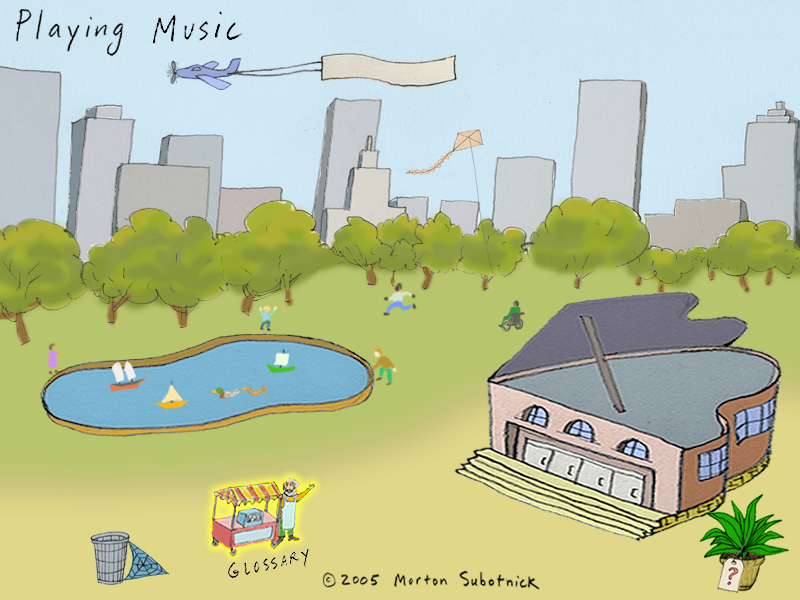
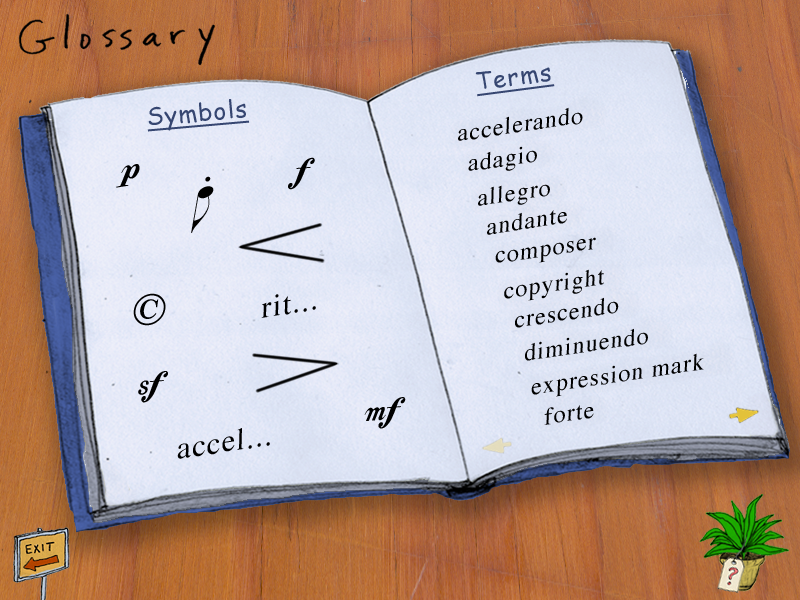
The main screen of the game allows you to easily navigate between the different areas. The little plane gives you an overview of what this piece of software does. The street vendor has a glossary of terms and symbols. The main components of this game are the lake (the games area) and the Concert Hall.
There are five different mini-games, which you should only play after getting acquainted with the terms and symbols.
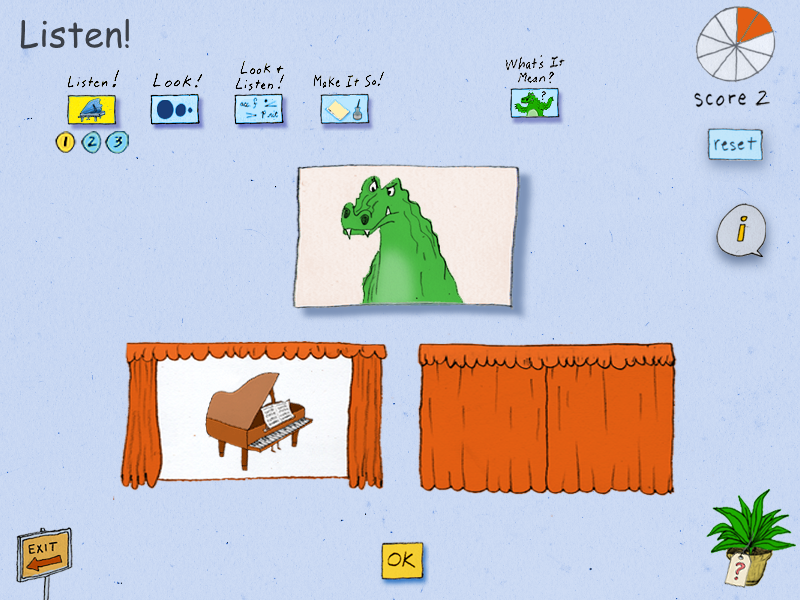
In “Listen!” you have to match the musical piece you hear to one of the two answers. It’s the same music, but played in different ways, so you have to listen to the small changes. In “Look!” you compare the music to a moving image or walking person. “Look and Listen!” gets a little more complicated and involves matching the music to the correct notation (symbols). “Make It So!” gives you music to listen to while looking at the notes on paper, and then lets you pick which marks are missing. “What’s It Mean?” is a trivia game that teaches about the meaning of the words and symbols in the glossary.
All the games give you one point per correct answer. If you miss a question, you get another one. When you reach 10 points, you get a little celebratory scene.
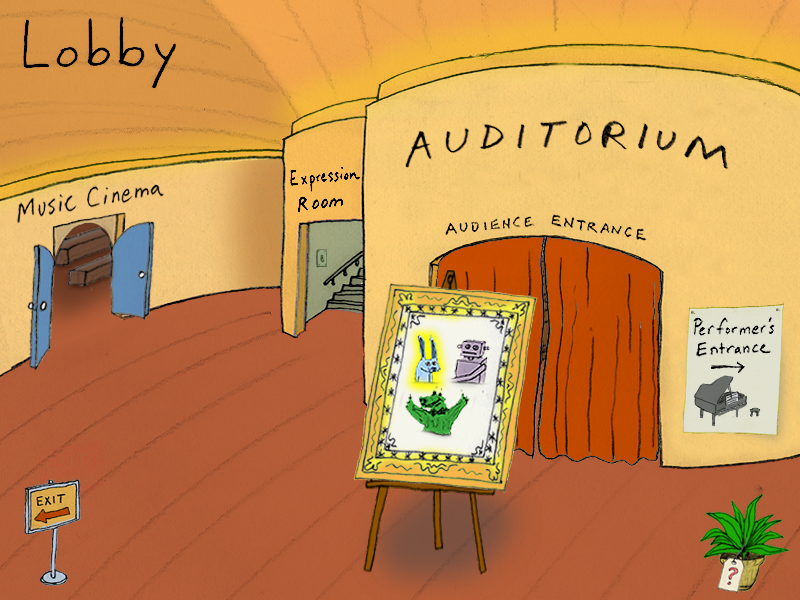
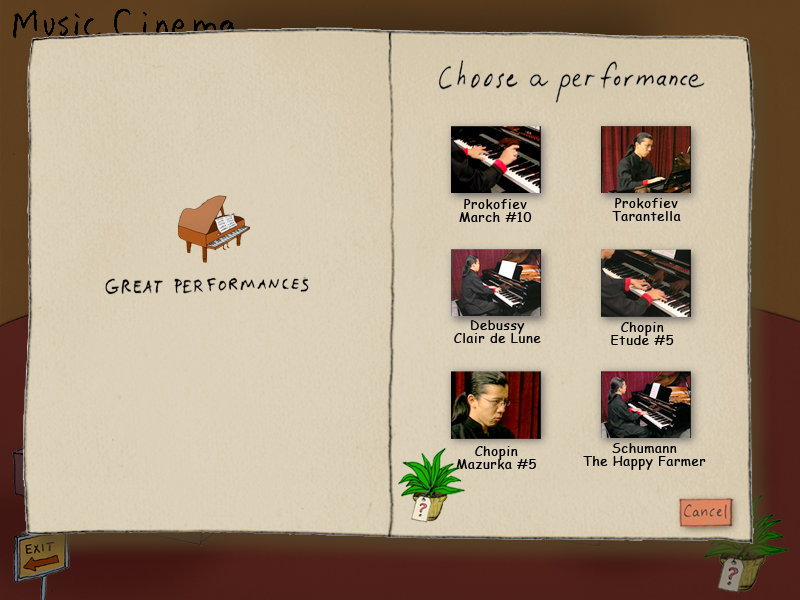
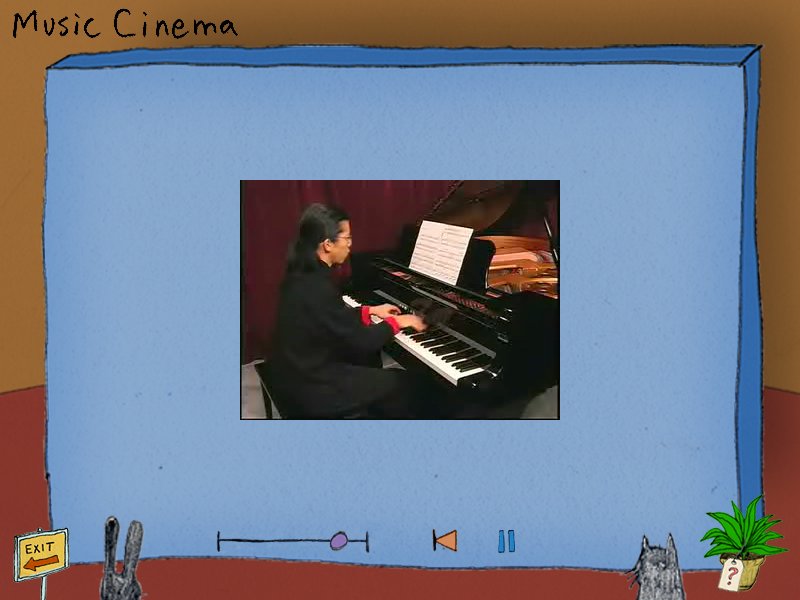
The Concert Hall is a fun place to be. In the lobby, you can choose where to go, and I recommend you visit the Music Cinema first, where you can watch quite a few piano performances and some interesting tutorial videos. I actually found the garden video tutorial to be very accessible for kids to learn about the different ways of playing the same piece. It makes it easy to understand and compare music to the way we walk through a park, so I suggest you watch this one after the “What’s It All About” and before starting the games.
Before you head out into the Auditorium or the Performer’s Entrance, you need to visit the Expression Room and create your own masterpiece. Well, sort of. You don’t really create music from scratch. Instead, you pick one of the available composers, choose one of their musical works and proceed to alter it applying what you have learned.
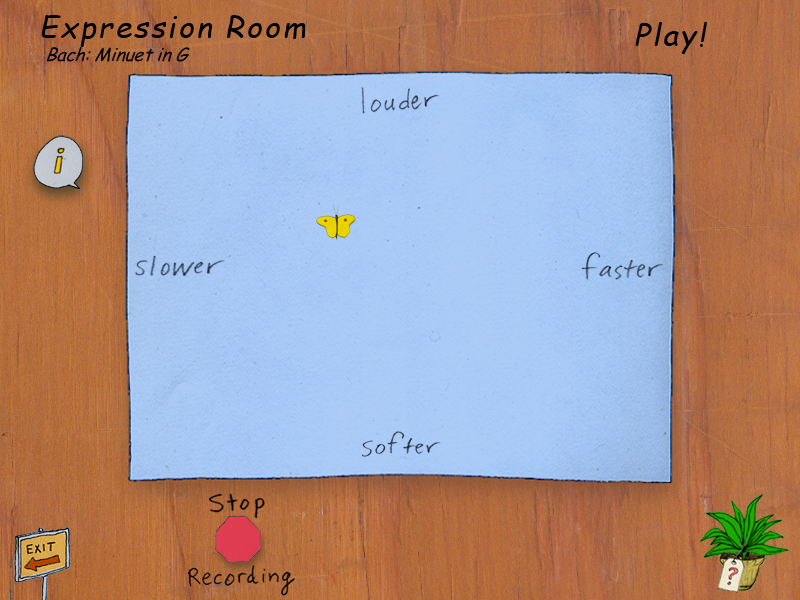
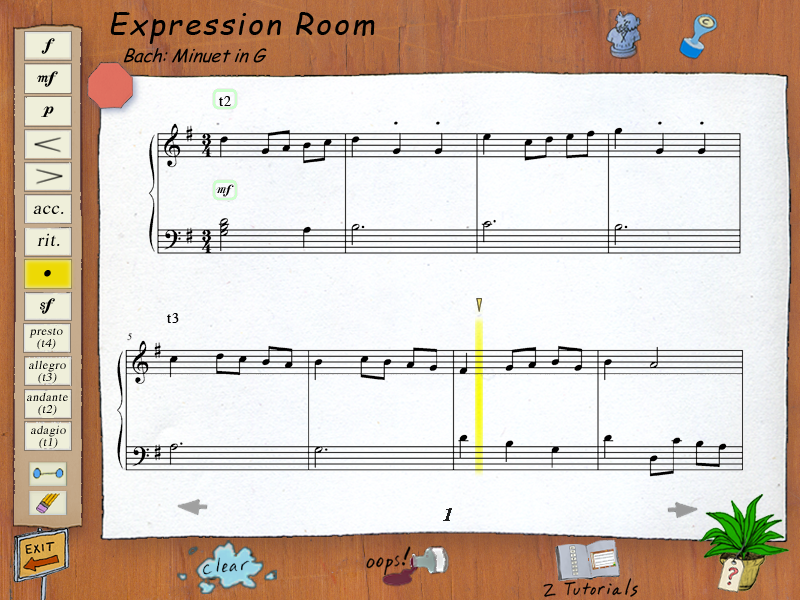
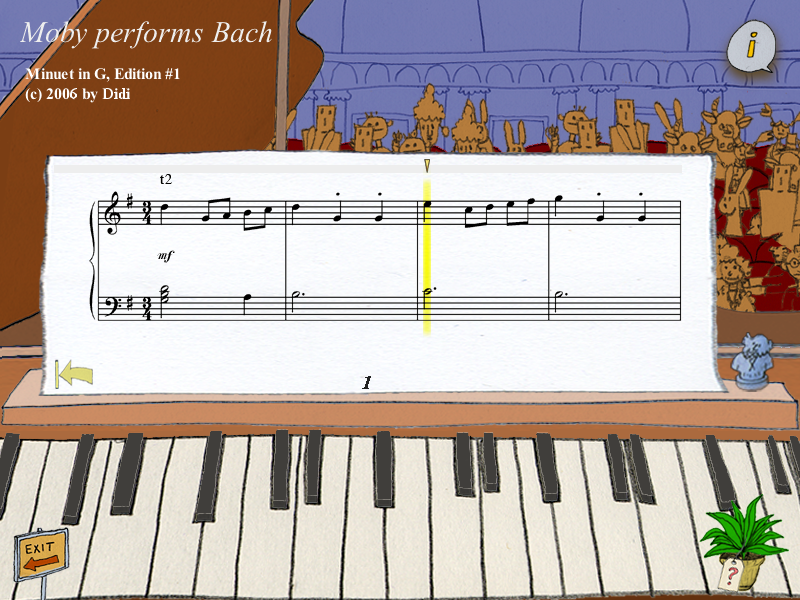
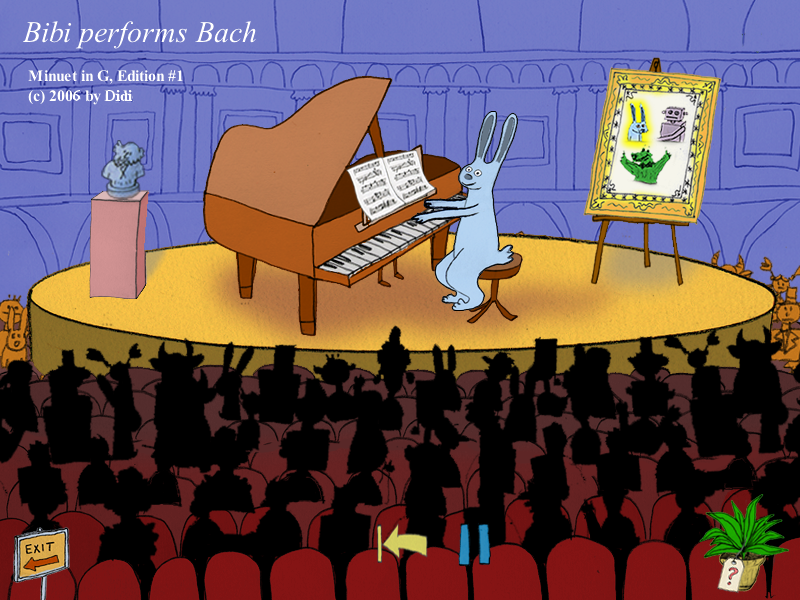
When you are finished, you save your piece and can listen to one of the characters play it in the Auditorium, or you can go through the Performer’s Entrance and play it yourself.
Playing Music is fun and accessible educational software for children. It’s very interactive, has plenty of great classical music from famous composers, entertaining games and cartoony doodle-like characters (a bunny, a crocodile and a robot) to help them on your lessons. Though graphic-wise it may seem very simplistic (no fancy 3D renders here), the look of the game will certainly please the young audience it’s intended for.
I honestly wish I could have learned about music this way years ago. Maybe I should try the other titles in this collection and see where that takes me, because children’s software or not, I actually learned something from it.
Special thanks to John De Feo and Viva Media for providing a copy of this game.